Background & Challenges: Adapting Interfaces for Physical iPad Mounts
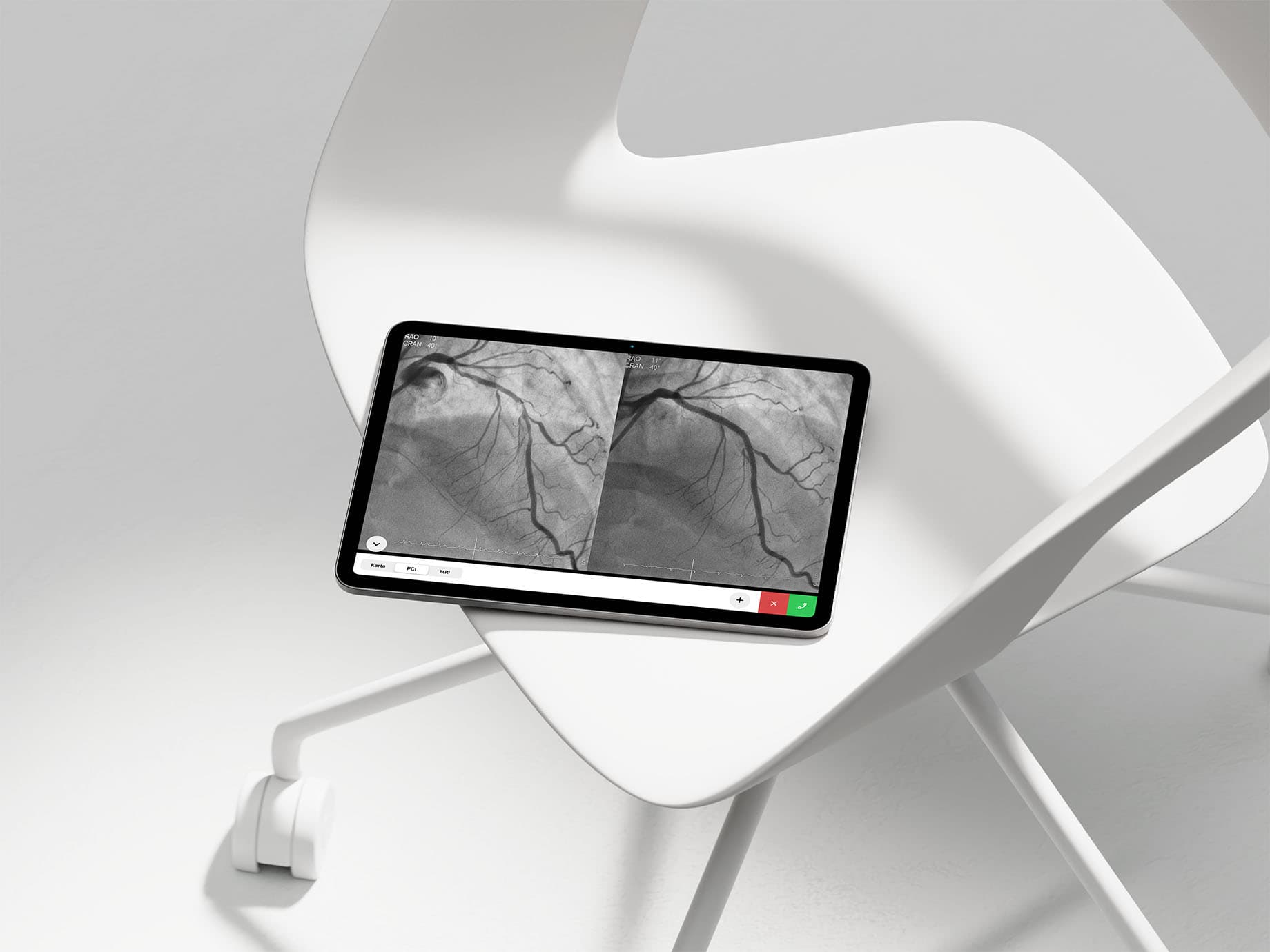
Caseline is a certified medical software application designed to connect on-site emergency physicians with remote specialists in hyperacute clinical settings, facilitating rapid diagnosis and critical decision-making. Originally, the application layout was optimized exclusively for portrait orientation. However, when deployed in hospital environments—specifically mounted onto treatment-room stands or fixed wall-brackets—there was an urgent need for robust landscape support.
Applying the legacy portrait layout directly to wide screens created a severe UX flaw: the critical call recipient panel was pushed completely off-screen. At crucial moments when physicians needed to establish immediate contact, they were forced to physically detach the iPad from its stand and rotate the device. This lack of an adaptive interface severely compromised usability when every second counted.
In tandem with the layout overhaul, I introduced functional status border colors around call recipient icons to enable instant visual identification. These updates were deployed directly to production, noticeably improving visibility for physicians operating under high-stress conditions.
Collaborative Process: Moving Beyond Initial Engineering Proposals to a "Third Solution"

To solve the landscape challenge, the engineering team initially presented two layout options based on technical constraints and immediate floor requirements: choosing between a completely hidden panel or a partially clipped UI.
Given the fast-paced nature of our live product, I chose not to simply pick one of these pre-determined options. Instead, I used their initial proposals as a baseline for live iteration, running quick alignment loops directly with the developers. This led us to a superior "third solution"—an entirely fresh UI layout that bypassed the original technical constraints while providing frictionless access to decrease cognitive load for physicians in the field.
By using live design data in Figma as the core anchor for engineering alignment, we effectively replaced the need for static, intermediate wireframes. This adaptive approach eliminated development bottlenecks and ensured the new specs reached production at maximum velocity.
Scalability: Introducing Component-Driven Architecture in Figma
When this sprint launched, our workflow lacked a centralized design system, meaning new features were built on a fragmented, screen-by-screen basis. Looking ahead to future releases, shipping layouts without a standardized baseline risked visual inconsistency and higher implementation overhead.
To mitigate this risk, I proactively introduced a modular UI component architecture directly in Figma during the overhaul. I decomposed screen layouts into clear, reusable components and variants. This preparation allowed me to balance rapid delivery with long-term visual and technical consistency. This framework, along with the landscape overhaul, was successfully reviewed, integrated by engineering, and shipped to the live product.
Retrospective & Impact: Balancing Execution Speed with Sustainable Architecture
The primary goal of this sprint was minimizing cognitive load for medical professionals under high pressure. Unifying landscape and portrait interactions into a single, predictable layout kept the critical call panel exactly where users expected it, ensuring frictionless access during medical emergencies.
Rather than working in a silo, I routed product requirements through structured internal reviews with my design manager to secure buy-in while maintaining tight technical alignment with engineering. Balancing fast-paced collaboration with a systematic focus on scalable design defines my approach, and I will continue to pair rapid execution with systematic thinking to solve complex product challenges.